Product features
Everything a small producer needs to track — in one place
From a sack of sugar arriving to a finished bar being sold, Prodexa keeps the records joined up: what you buy, what you hold, what you make, what it costs, what you sell, and what needs attention.
Overview
Enter it once — it works everywhere
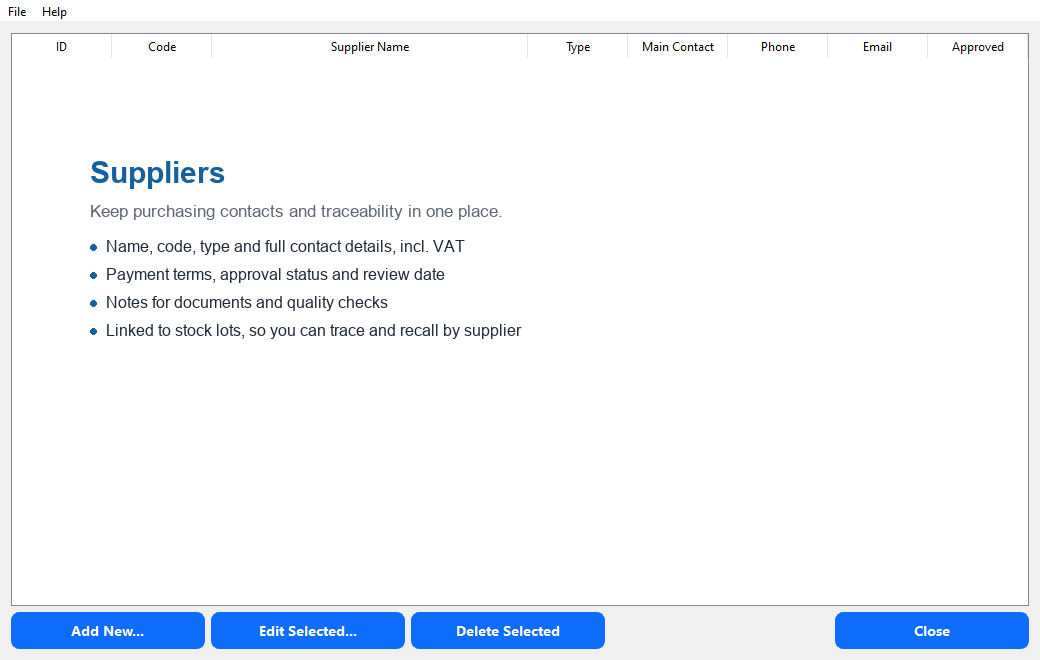
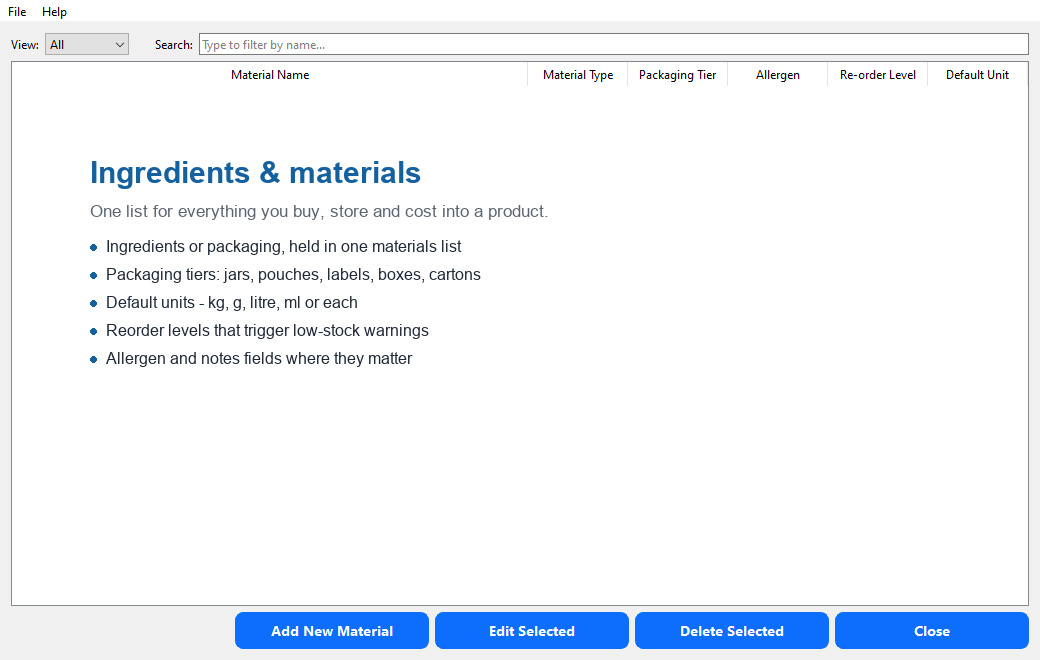
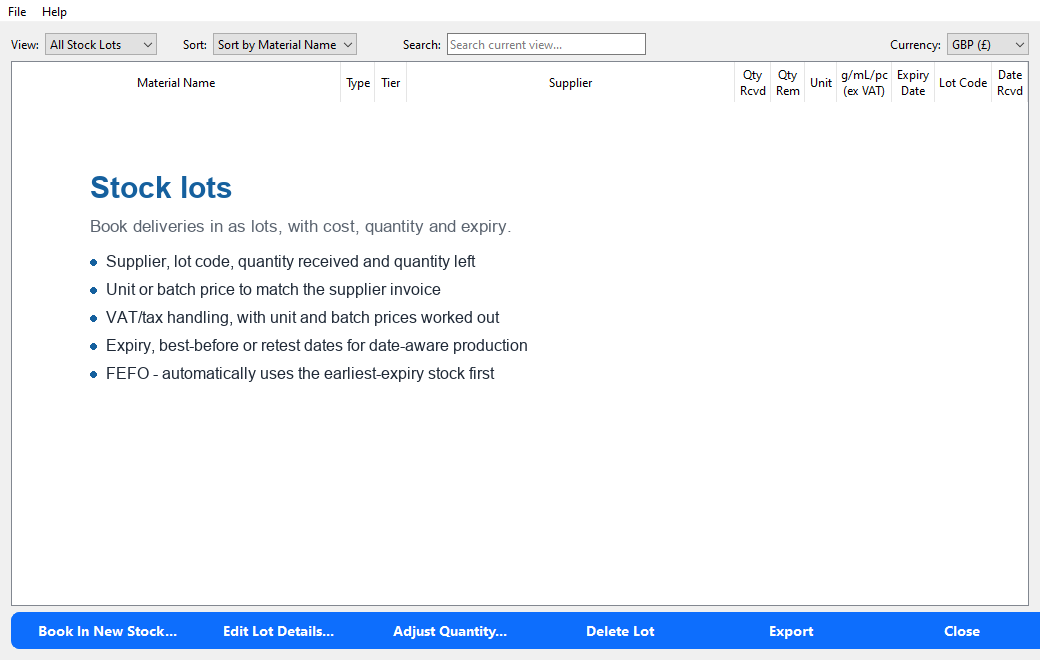
Supplier and material records feed your stock lots. Stock lots feed recipes, batches and pricing. Batches feed labels, sales, traceability and the dashboard. Nothing is typed twice, and everything stays connected.
Prodexa is not trying to be your accountant, your online shop or a factory system. It looks after the working records that usually end up scattered across spreadsheets, notebooks and separate label files.
Recipes & formulas
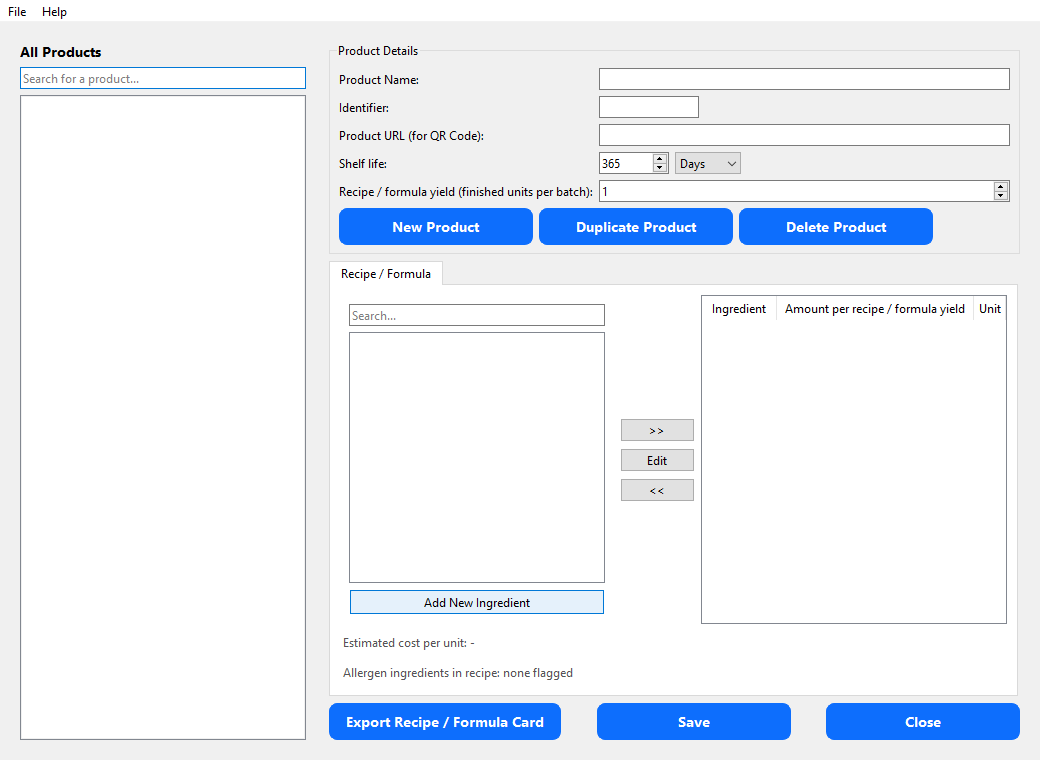
Define what you make from your materials, and what a full run should yield.
- Recipes or formulas for food, cosmetics, candles, soap and more
- Code, name, shelf life and an optional QR/product web link
- Ingredient quantities and units for one full yield
- Estimated cost per unit, drawn from your recorded stock costs
- Duplicate for variants, and export recipe/formula cards
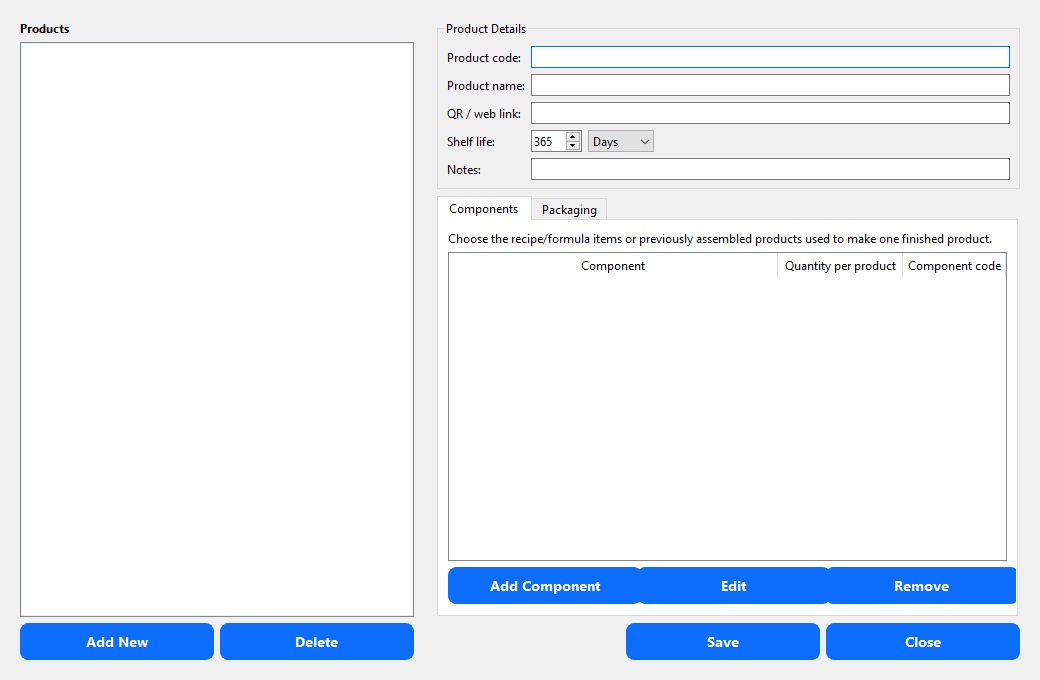
Products & packaging
Separate what you make from what the customer actually receives.
- Turn a recipe or formula into a sellable finished product
- Single items, boxes, gift sets, multipacks and bundles
- Customer‑facing names and web links for QR labels
- Finished‑product shelf life and packaging make‑up
- Components feed batch deduction, pricing and traceability
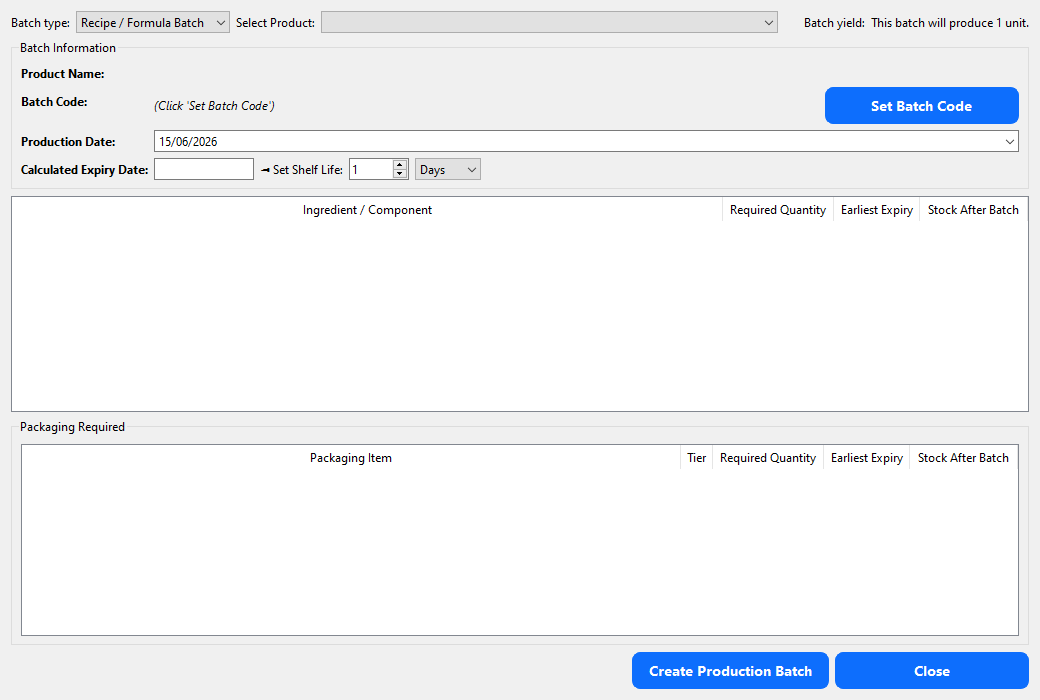
Production batches
Make a batch and it deducts stock and keeps full traceability.
- Recipe batches deduct ingredients; assembly batches deduct components and packaging
- Batch codes generated automatically from product, date and sequence
- Production date plus shelf life set the expiry date for you
- See required quantities, earliest expiry and stock left after the batch
- Full history: ingredients, suppliers, lots, packaging and components used
- Exportable records for audits, complaints and recall preparation
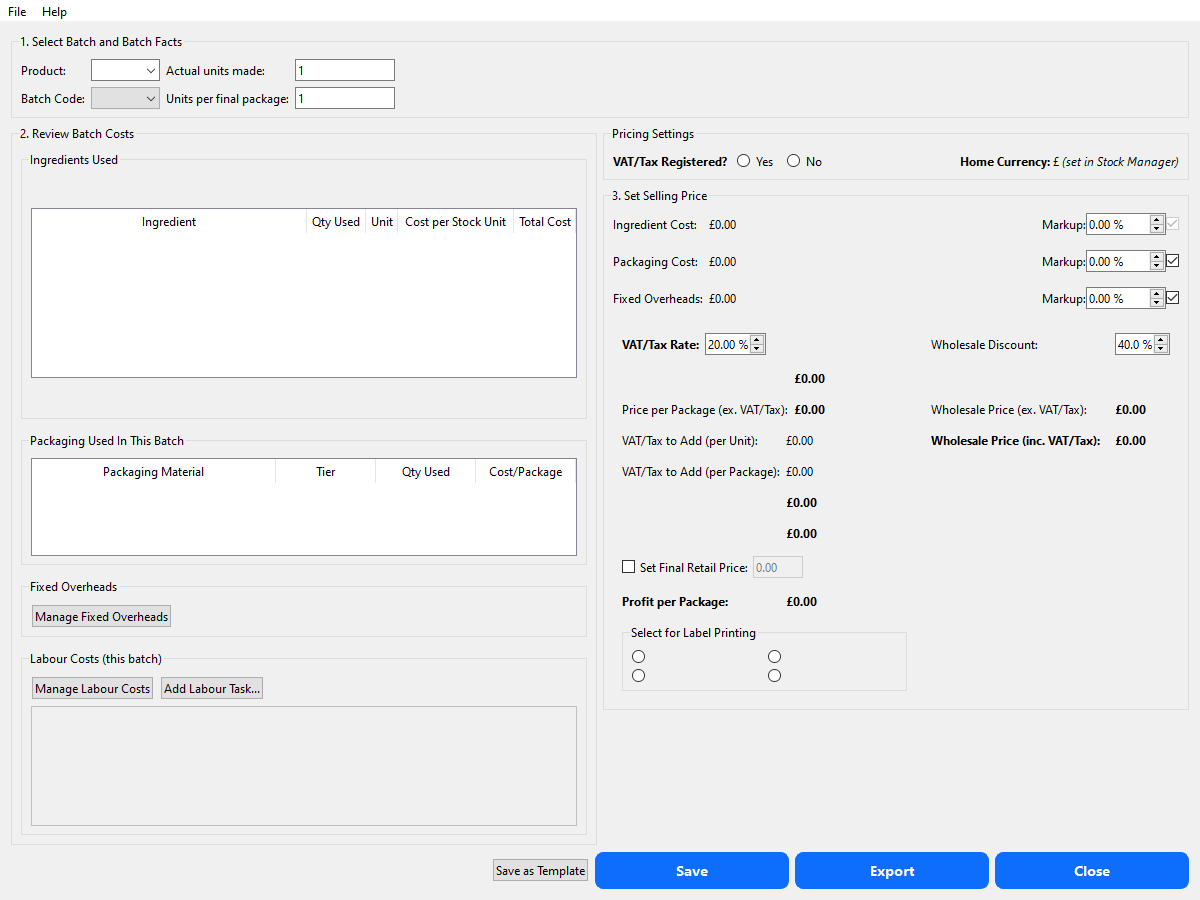
Pricing
Bring the real costs together before you choose a selling price.
- Costs from the actual batch, yield and sale unit
- Ingredients from stock, packaging from the product setup
- Labour as a fixed rate or hourly, assigned to the batch
- Fixed overheads — rent, utilities, insurance, subscriptions
- Separate markups for ingredients, packaging, overheads and labour
- VAT‑inclusive or exclusive prices, with a live profit‑per‑unit check
- Wholesale discounts, and save pricing templates for future batches
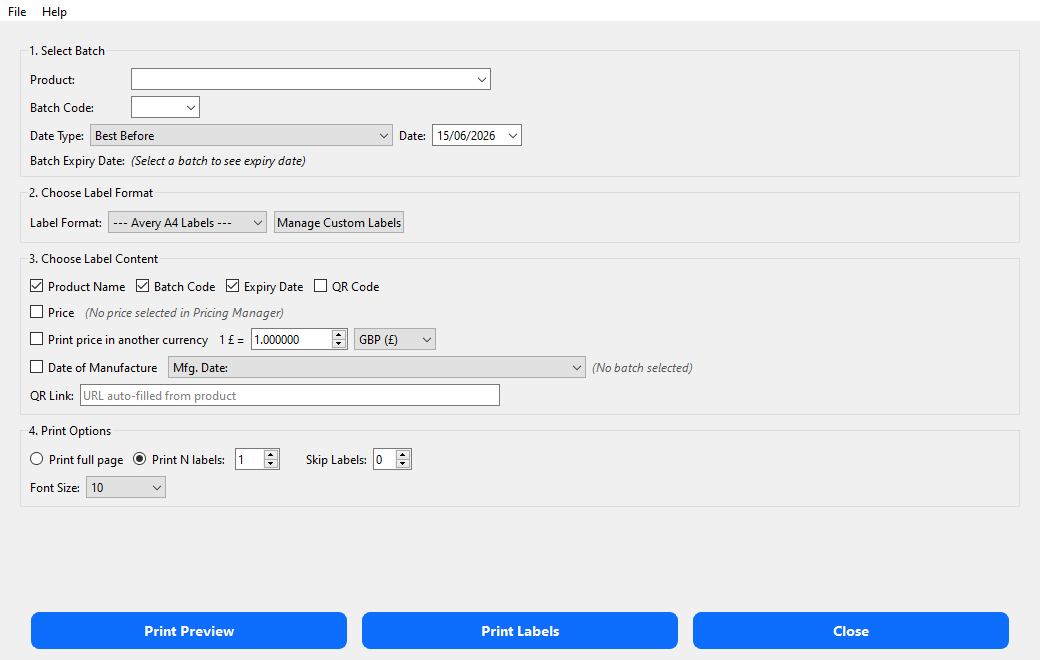
Labels & QR codes
Print accurate labels straight from your product, batch and pricing records.
- Pick the product, batch code and date wording (Best Before / Use By)
- Show name, batch code, dates, price and a QR code
- Labels in any language, with your own custom phrases
- Avery‑style formats plus your own custom sheet layouts
- Print a test grid before using real label stock; skip used labels
- Preview checks text fit, QR placement and clipping
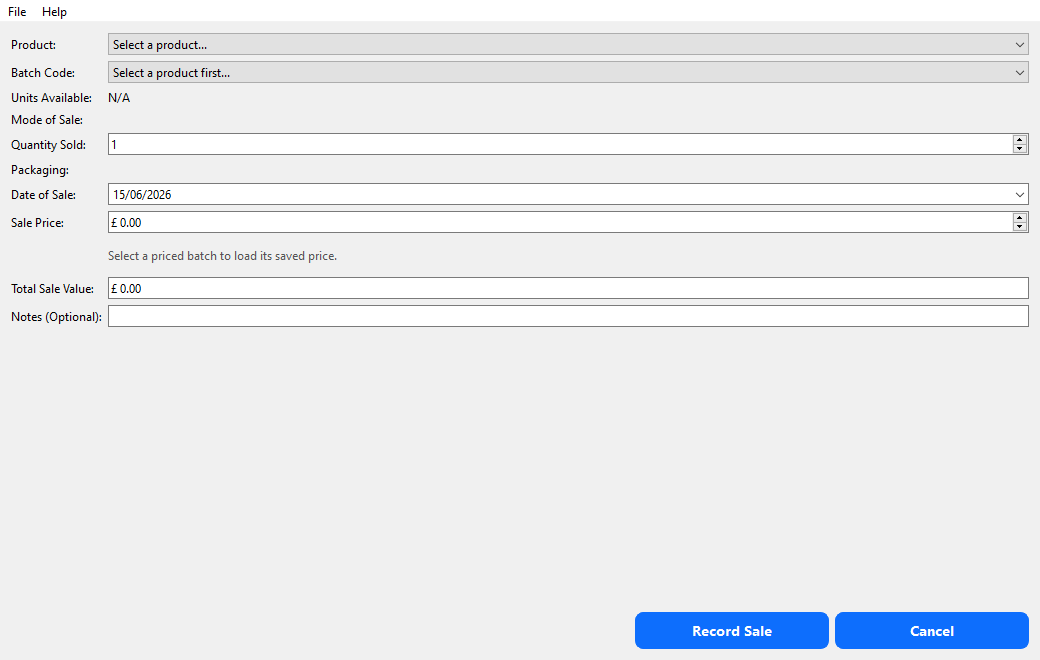
Sales records
Record what you sell from finished stock, and feed the dashboard.
- Record sales straight from saved production batches
- Sell by package or by individual unit
- Quantities checked against finished goods remaining
- Use the saved price, or amend it for the actual sale
- Cost at the time of sale is stored, so past profit stays accurate
- Finished stock reduces automatically as you sell
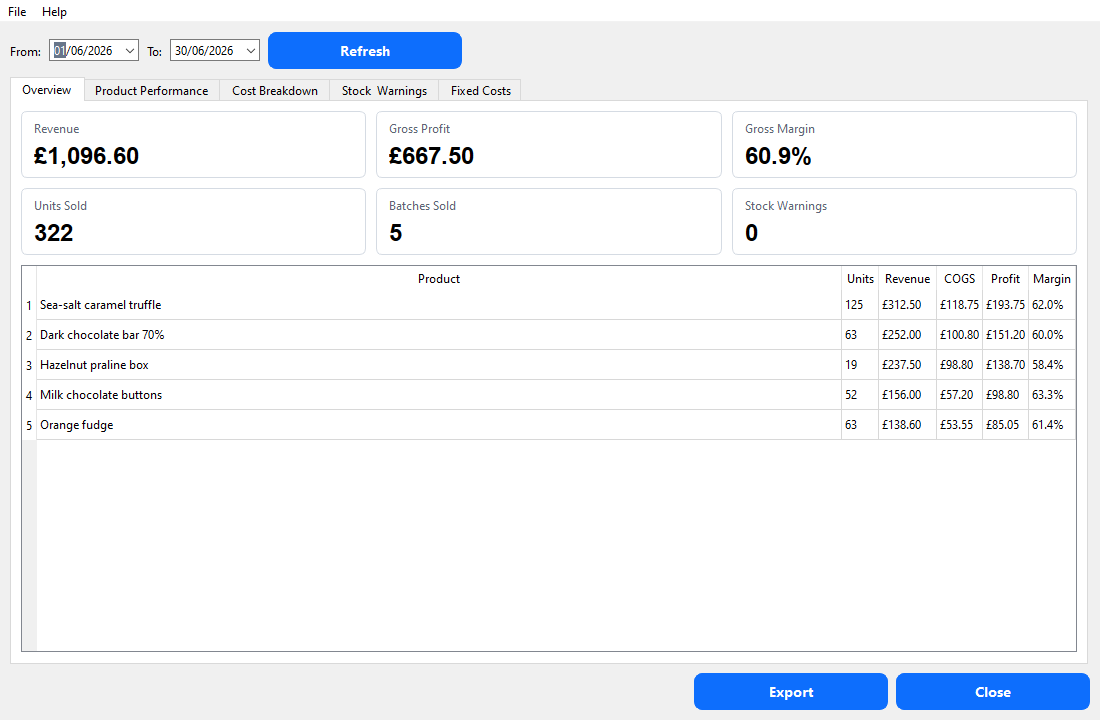
Dashboard
See how the business is doing, from the records you've already entered.
- Date‑range revenue, COGS, gross profit and gross margin
- Per‑product table and a chart ranked by gross profit
- Cost breakdown: ingredients, packaging, labour and overheads
- Stock warnings for out‑of‑stock, low stock and missing records
- Monthly fixed overheads by category
Focused on small producers, not enterprise complexity
The value is in the links between the records: stock costs flow into batches, batches flow into prices and labels, sales reduce finished stock, and the dashboard reports from the same information — all in one local Windows app you own outright.